There is a trick in Google Search Console (GSC) that allows you to filter only the long-tail keywords that driving traffic to your website. This way, you can quickly identify and export them within seconds.
The trick is using RegEx query to filter long-tail keywords, this is how:
- Go to GSC, choose the domain.
- Click on Performance tab.
- Click the Add filter button → choose Query.
- In the popup windows, click the dropdown box and choose Custom (regex).
In the Enter regular expression (regex) input, type this expression:
([^" ]*\s){7,}?Hit Apply button and it will output the result.
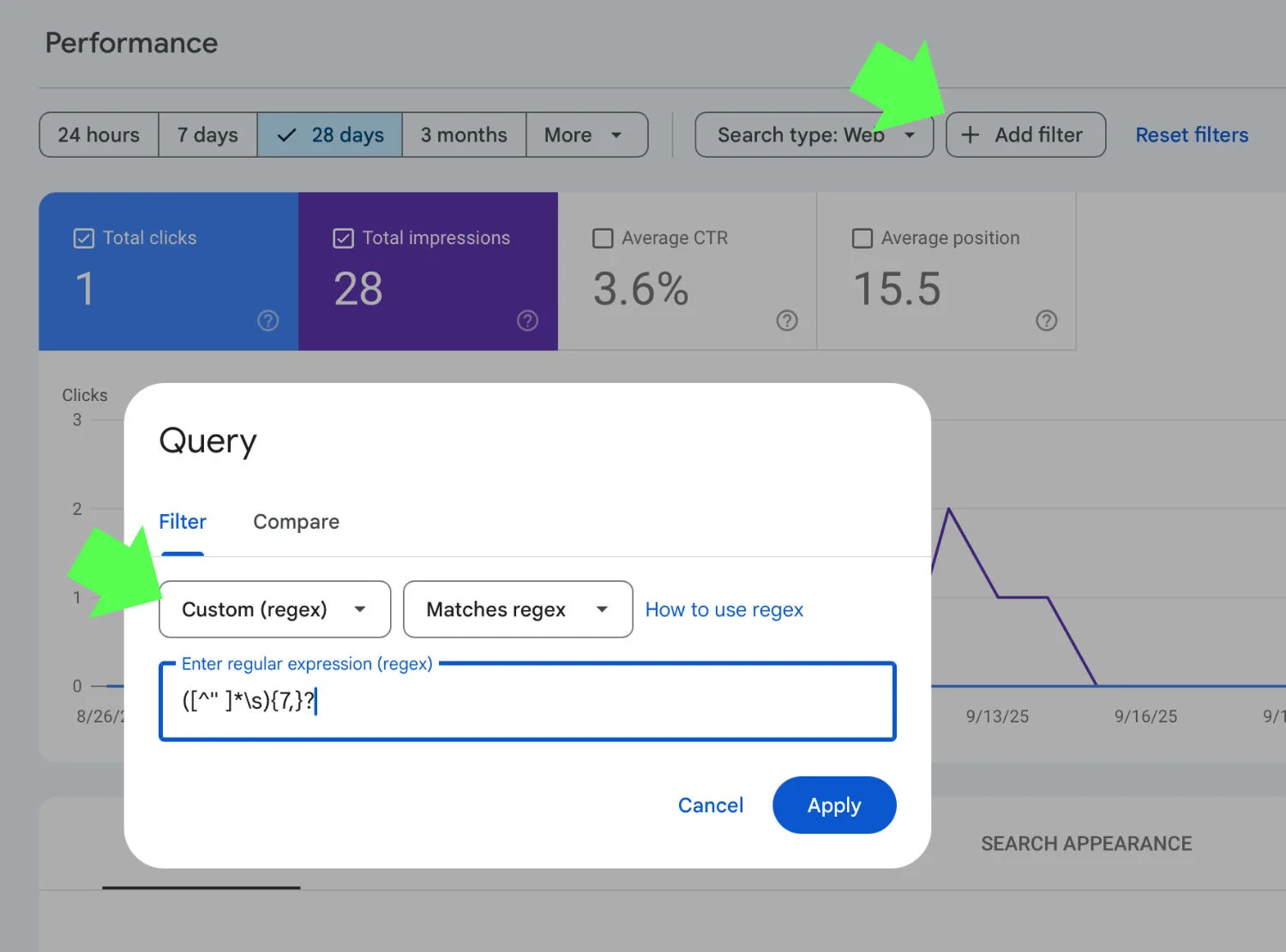
The above expression filters long-tail keywords containing at least 7 words. You can adjust the number ‘7’ in the expression to match your needs.
Done.